Mobile App
MeteoMate

My role
Creator & Lead Developer — Designed, developed and maintained the application end-to-end, including architecture, UI/UX, testing and Google Play release management.
Architecture & Engineering
Designed the application's architecture from the ground up using modern Android development practices, prioritizing maintainability, scalability and long-term evolution.
Product Development
Developed the application end-to-end, including UI implementation, weather services, widgets, offline capabilities and AI-powered features.
Release & Quality
Managed testing, release engineering and Google Play deployment, ensuring a reliable and maintainable production application.
Main Features
Weather information
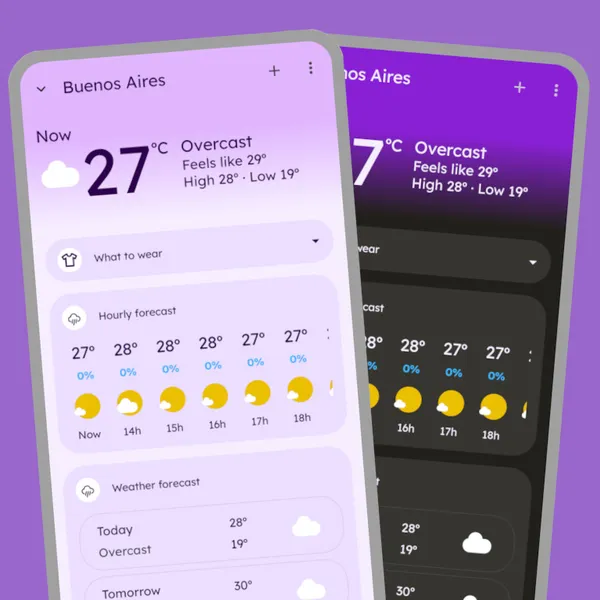
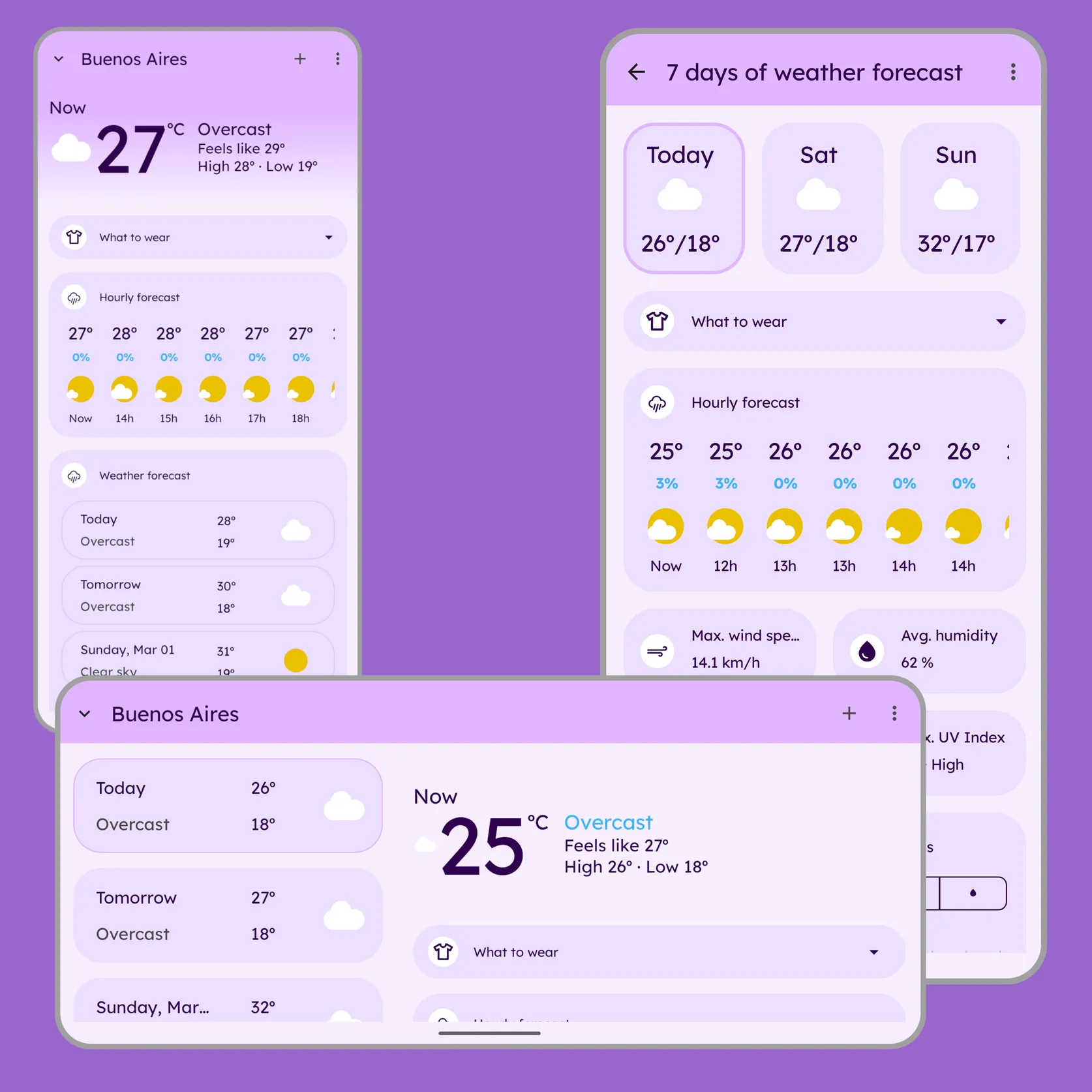
Comprehensive weather forecasts including temperature, humidity, UV index, precipitation, pressure, wind conditions, and sunrise/sunset times in a single view.
Clear and simple interface
Modern Material Design interface with adaptive layouts and full support for light and dark themes.
Weather alerts
Configurable alerts for rain, storms, snow, wind and other severe weather conditions.
AI-powered outfit suggestions
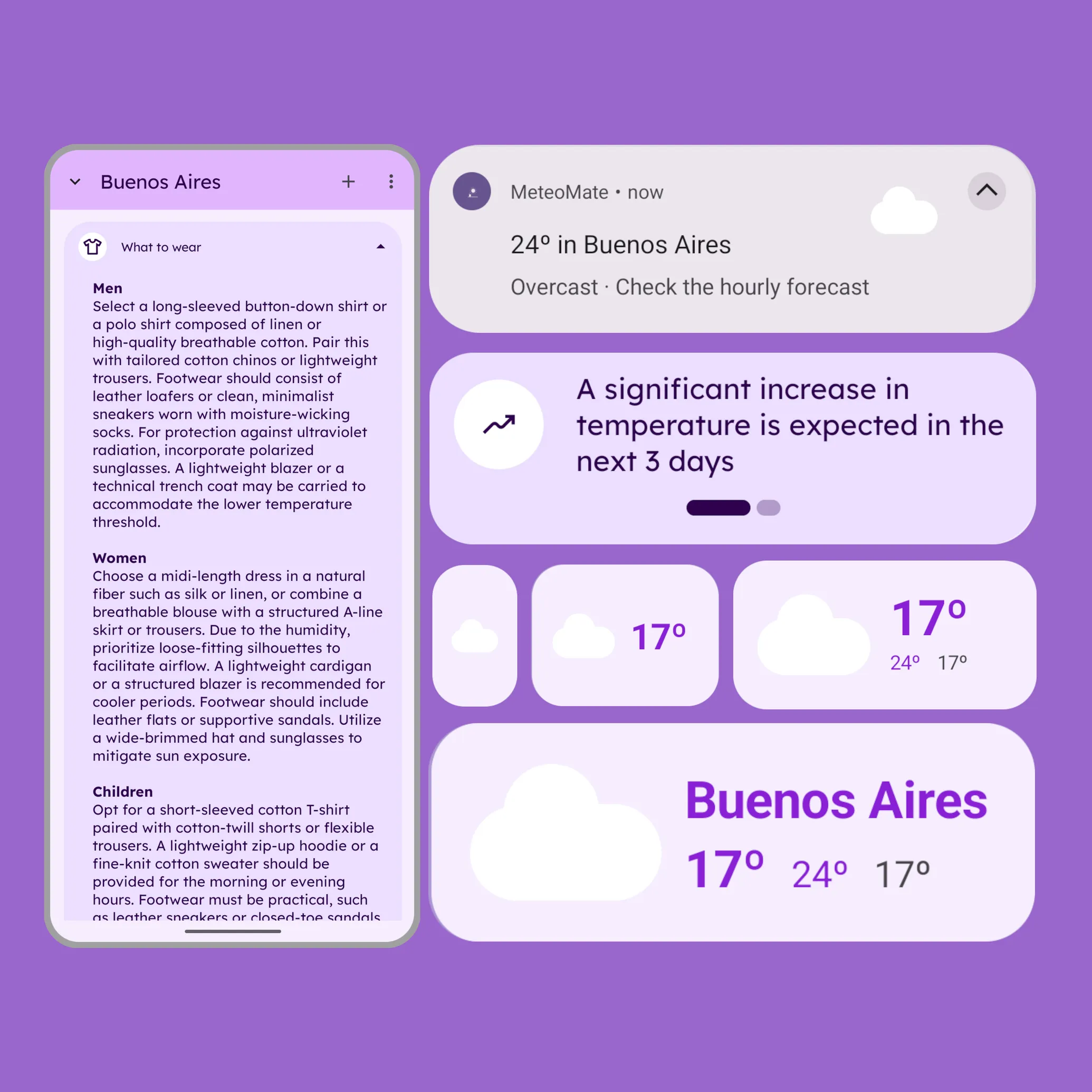
Personalized clothing recommendations generated from weather conditions to help users prepare for the day.
Other features
Flexible location management
Search locations manually, pick them from a map, use GPS coordinates or IP geolocation, and organize them with customizable ordering.
Adaptive home screen widget
Resizable weather widget that automatically adapts its layout while displaying current conditions, forecasts and temperature information.
Offline-first updates
Offline-first architecture with cached weather data and scheduled background updates for reliable access, even with limited connectivity.
Daily notifications
Receive daily weather summaries through customizable notifications to stay informed throughout the day.
Download MeteoMate now!
Always be informed of the weather in the locations you want.